
Getting Started in Kontra
First-hour checklist for the Roblox tactical shooter — settings, codes, and round basics.
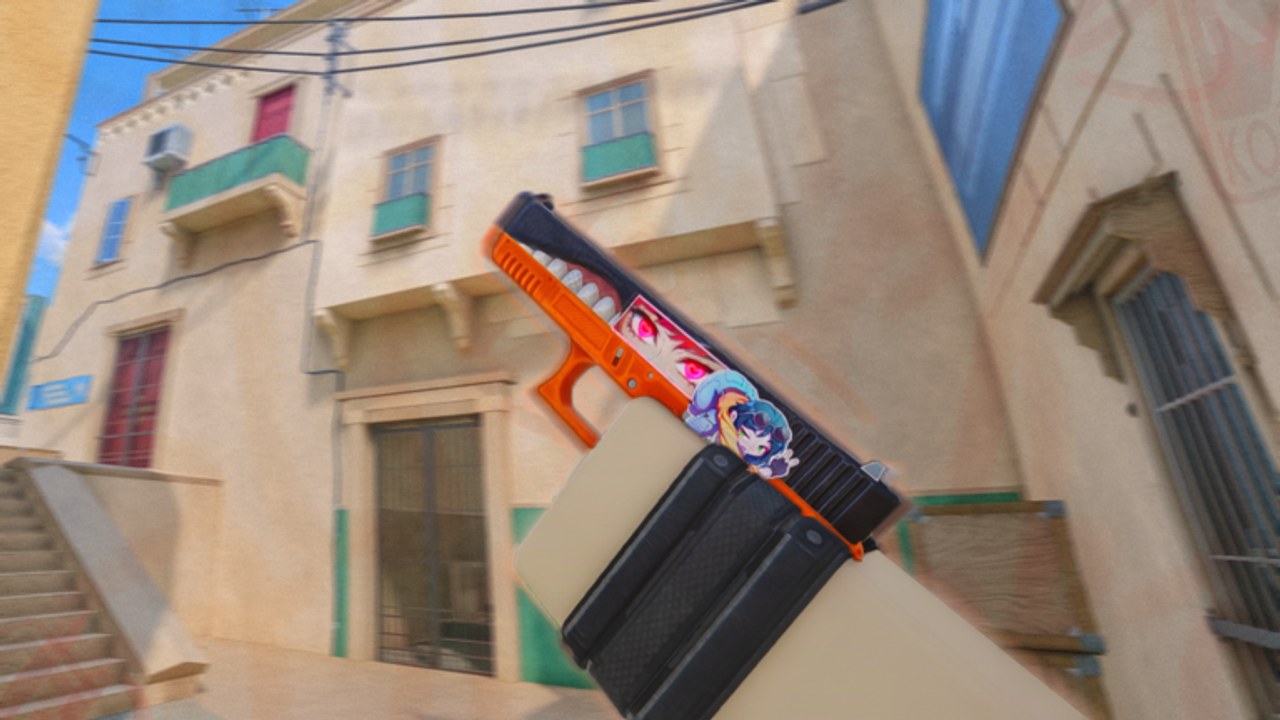
Kontra drops you into a Counter-Strike-inspired Roblox shooter where aim, movement, and teamwork decide every round. This getting started guide covers the first hour: joining correctly, importing sensitivity, understanding Attackers versus Defenders, spending your first buy, and claiming free Kredits. Follow it before grinding ranked lobbies so bad settings do not hard-cap your improvement.
Kontra is developed by the blackcatsisreal group and remains in Early Alpha. Servers support up to 16 players. The core mode is bomb defusal across competitive maps such as Dust 2 and Vertigo. You earn Kredits for cosmetics while match funds handle guns and utility each round. For a live look at menus and early gunplay, watch the embedded first-impressions video mid-page, then come back to the checklist.
Before you queue
- Open the official Kontra experience.
- Like and favorite the game — developers often ship milestone codes when those counters rise.
- Join the blackcatsisreal Roblox group to unlock playtime rewards and daily bonuses.
- Optionally join the official Discord listed on the links hub for patch notes and codes.
- Redeem every active entry on the codes page once you meet playtime gates — see how to redeem.
Settings that matter on day one
Open Settings from the lobby. Priority tweaks:
- Sensitivity — Kontra supports importing Counter-Strike sensitivity values. If you already have a CS2 or CS:GO sens, bring it over instead of reinventing muscle memory.
- Crosshair — Start with a static, high-contrast crosshair. Dynamic recoil-following crosshairs are optional once you understand spray patterns.
- Graphics / FPS — Cap effects that tank frame rate on low-end devices. Stable FPS beats max shadows in a tactical shooter.
- Keybinds — Confirm plant/defuse, walk, crouch, and weapon slots. Rebind anything that conflicts with your Roblox shift-lock habits.
Deeper movement tech (air strafe, bunny hop, auto-bhop toggles) lives in the movement & controls guide. For max FPS presets, that page also points to community settings videos.
How a round works
Teams split into Attackers and Defenders. Attackers must plant the bomb at site A or B and protect it until detonation. Defenders hold chokepoints, retard entry, and defuse if the bomb goes down. Round timers are short — roughly two minutes in competitive playtests — so hesitation loses sites.
Each round you buy with team funds:
- Full buy — rifle + armor + utility when the economy is healthy.
- Force buy — cheaper rifles or SMGs when you must break a streak.
- Eco — pistols and light utility to save for the next full buy.
Read economy & strategy after your first session for buy rules that win more series than raw aim alone. Check the weapon tier list so you are not full-buying weak options.
First three matches plan
Match 1 — learn the HUD. Focus on the timer, bomb carrier icon, buy menu, and minimap. Play Defender once so you feel holds, then Attacker so you feel executes.
Match 2 — one map focus. Prefer Dust 2 for longer rifle angles or Vertigo for close-range fights. Use the maps guide callouts even if teammates do not.
Match 3 — apply economy. Track whether your team can full buy. Avoid buying a premium rifle when teammates are on pistols with no utility.
After the session, claim playtime rewards and any newly unlocked codes. Spend early Kredits on a skin you enjoy only after you understand case tiers in case opening.
Common beginner mistakes
- Sprinting into mid without information on Dust 2.
- Ignoring armor on rifle rounds.
- Planting without a teammate watching the entry path.
- Burning all Kredits on cases before learning which weapons you actually main.
- Skipping group join and missing free daily Kredits.
What to read next
Master the lobby, settings, and round loop first. Everything else in this wiki builds on those fundamentals.
Frequently Asked Questions
Quick answers for Kontra players.
Is Kontra free to play on Roblox?
Yes. The experience is free to launch. Optional Robux spends cover multi-open case passes and Kredits packs; cosmetics also come from gameplay and codes.
Can I import my CS sensitivity?
Yes. Kontra includes a sensitivity import option so Counter-Strike players can reuse familiar mouse settings.
How many players are in a Kontra server?
Official universe settings list a maximum of 16 players per server.
What should I buy in my first full-buy round?
Take a meta rifle from the tier list, armor if available, and at least one piece of utility. Avoid spending the entire team economy on a sniper before you can hit shots.